Tide Alerts for Seascape Photography
In seascape photography, there is one more dimension to consider: the tide. The tide can dramatically change the scene, revealing or hiding features, altering reflections, creating different compositions, and drawing patterns in the sand.
Tide alerts help you build a profile of the best conditions for your favourite seascape locations and watch for them without manually checking tide forecasts every few days.
Why tide matters for seascapes
Some locations work best at low tide, when more of the foreground is revealed. Others work best at high tide, when the water comes closer to the foreground and creates more action in the waves. And some locations can work well at either tide, with different compositions and moods.
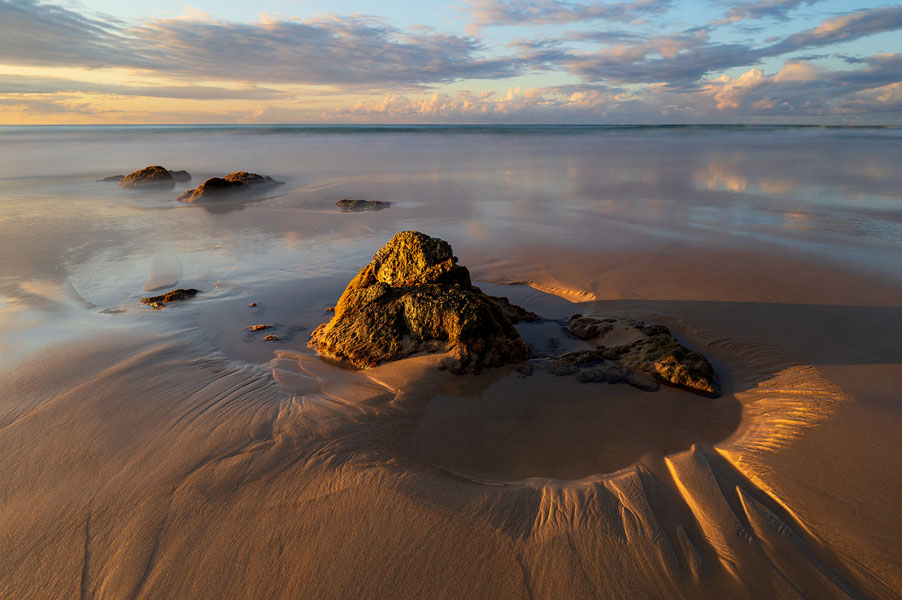
For example, a flat beach with interesting rock formations may look best at low tide, when the rocks are exposed and create leading lines in the sand. Occasional bigger waves can leave sand patterns that last longer, too. Another good low-tide option is a beach with tidal pools, which you can use for reflections.
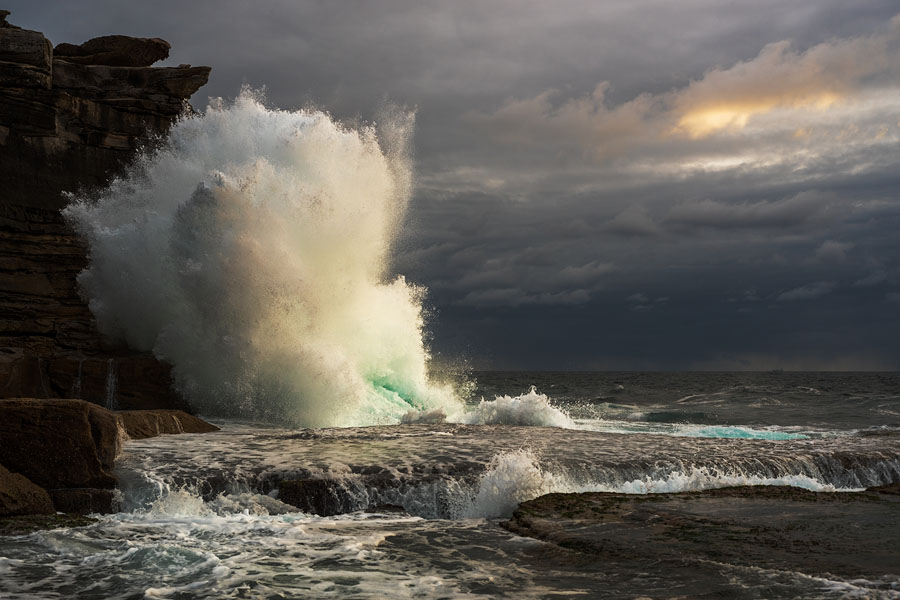
But a rocky coastline with crashing waves may look best at high tide, creating more drama and energy in the scene.
Tide alone is not enough
A perfect tide at the wrong time can still be useless. The best seascape windows often occur when tide, light, cloud, wind, and wave conditions align.
Fortunately, PhotoSignal can monitor all of those conditions alongside the parameters you set during your preferred timing windows.
What PhotoSignal can watch
PhotoSignal can help monitor tide-related conditions together with other photography signals, including:
- High and low tide timing: plan around nearby tide events.
- Sunrise and sunset windows: combine tide timing with the light you want.
- Wind: check whether wind may affect comfort, spray, stability, or surface texture.
- Waves: consider wave height and period where marine data is available.
- Wave period: important when you are aiming for sand patterns created by retreating waves.
- Cloud and rain: combine the tide with sky conditions that may support better light.
Example seascape alert setups
- Low tide near sunrise: useful for tidal pools, exposed foregrounds, sand patterns, and reflections.
- Mid tide near sunset: useful when you want water movement without losing the whole foreground.
- High tide with calmer wind: useful for locations where water movement or wave reach matter more than exposed rocks.
- Tide plus cloud conditions: useful when a composition needs both the right water level and a sky worth shooting.
Use tide alerts for planning, not safety
Tide alerts can help with planning, but they are not safety advice. Local swell, wave sets, wind, storm surge, slippery rocks, access, and changing weather can make a location unsafe even when the tide looks right on paper.
Always check local conditions, marine warnings, access, and your own risk before entering coastal areas. Do not use PhotoSignal tide alerts for navigation or safety decisions.
Start with a free plan
PhotoSignal is currently free under the current limits. Higher limits and extended functionality are planned.