Fog
Fog possible near sunrise
Low wind, high humidity, small dew point spread, and sunrise timing.
Stop checking forecasts manually
Get notified when fog, rain clearing, tides, moonrise, high clouds, or sky conditions may line up for landscape and seascape photography.
Save the places you care about, choose built-in photography checks or custom alert rules, and let PhotoSignal watch the forecast for useful windows.
Fog
Low wind, high humidity, small dew point spread, and sunrise timing.
Rain clearing
Recent rain easing, dry window opening, and useful light timing.
Moon timing
Moon direction and timing lining up with golden hour.
Sky Context
A forecast point can say "cloudy" and still miss the thing photographers care about: where the light can get through. PhotoSignal combines local forecast values with timing and sky context, so alerts are based on more than one number above your location.
Cloud layers, rain, wind, fog, and visibility at the location you care about.
Nearby cloud mass, horizon gaps, and directional sky context around the scene.
Sunrise, sunset, twilight, tides, moonrise, moonset, and practical watch windows.
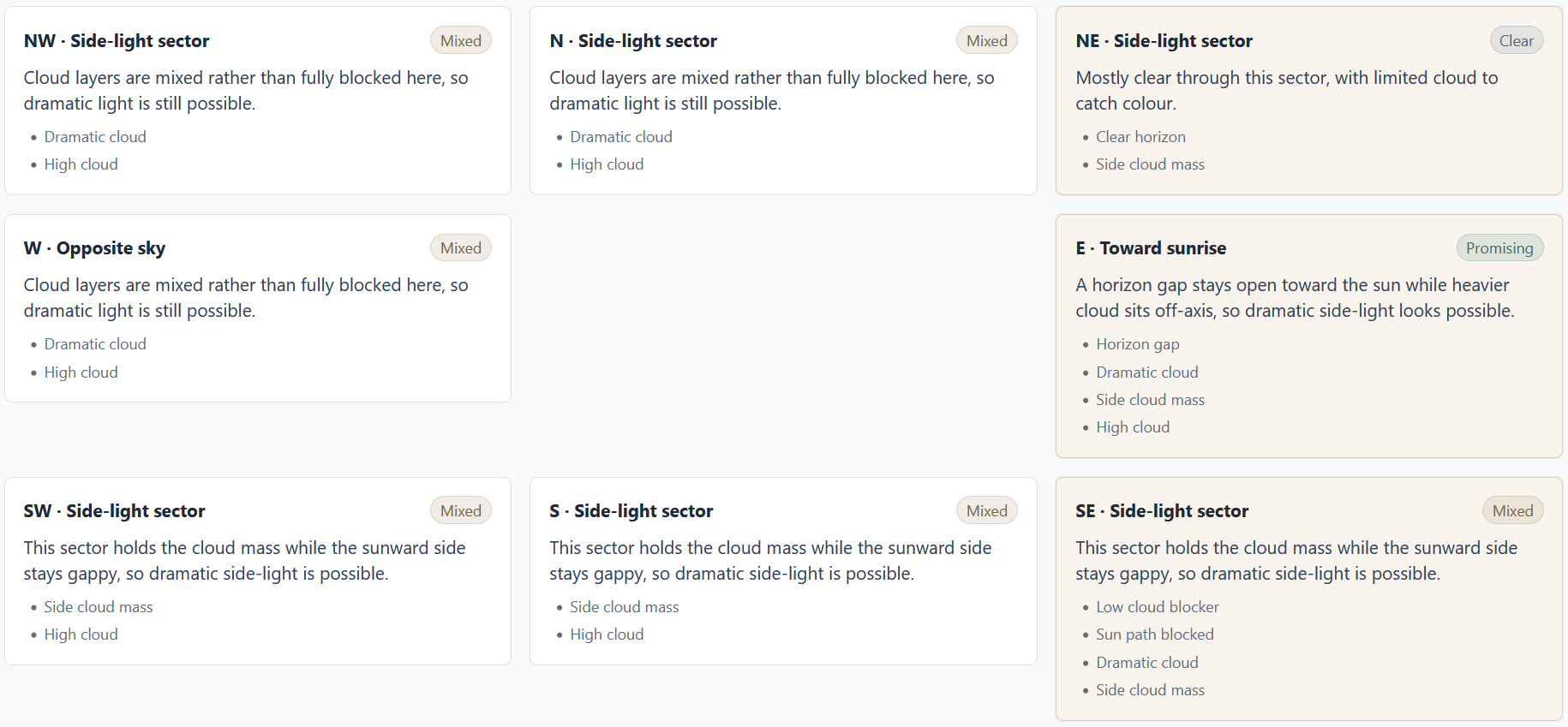
Start with built-in checks for fog near sunrise, rain clearing, moon timing, high cloud sunset, a sun-facing open horizon, or seascape tide windows. Adjust thresholds only when you need to.
Add the beaches, lookouts, forests, waterfalls, and headlands you want watched.
Use built-in photography conditions or create reusable alert rules for your style.
PhotoSignal checks forecasts and sends grouped notifications when windows match.
PhotoSignal does not pretend to know whether a shoot will be amazing. Instead, each alert shows what matched, when to watch, and what may work against it.
Matched
The alert explains the forecast pattern, such as fog potential, rain clearing, or useful cloud.
Window
Alerts are tied to practical timing around sunrise, sunset, twilight, tides, and moon events.
Caution
Wind, rain, low cloud, weak confidence, or changing forecasts can be shown beside the match.
Some tools expose every forecast variable and ask you to build the logic yourself. PhotoSignal starts with built-in photography checks and keeps advanced controls available without making them the product.
Start from weather and timing patterns that map to real outdoor photography scenarios.
Define what matters for your locations without living inside a raw parameter dashboard.
Receive useful windows together instead of checking every location manually.
When a forecast changes and a window no longer matches, PhotoSignal can say so.
Use directional cloud and horizon-gap analysis when a single forecast point does not tell the full story.
Keep your regular places and alert logic ready for the next forecast cycle.
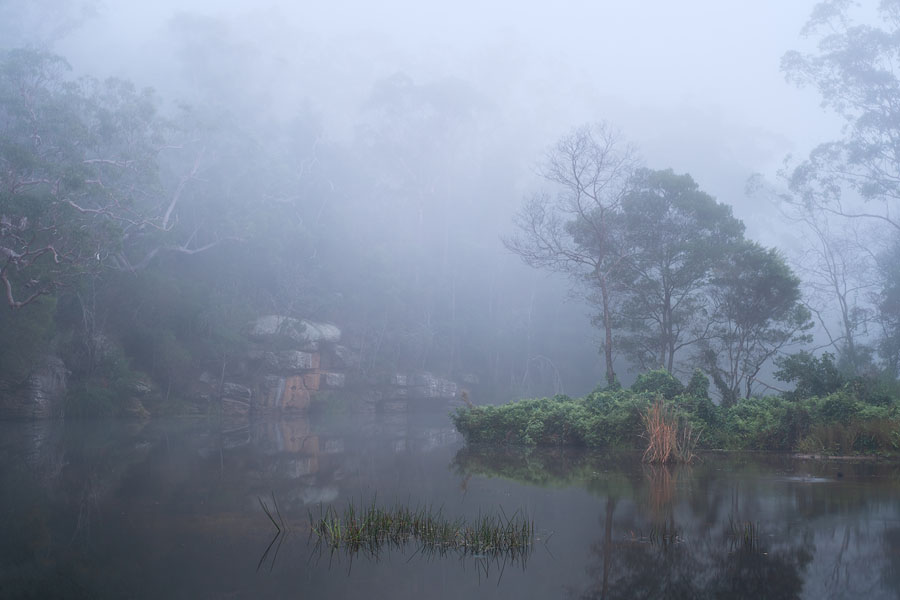
Watch humidity, visibility, wind, and sunrise timing for fog-friendly windows.
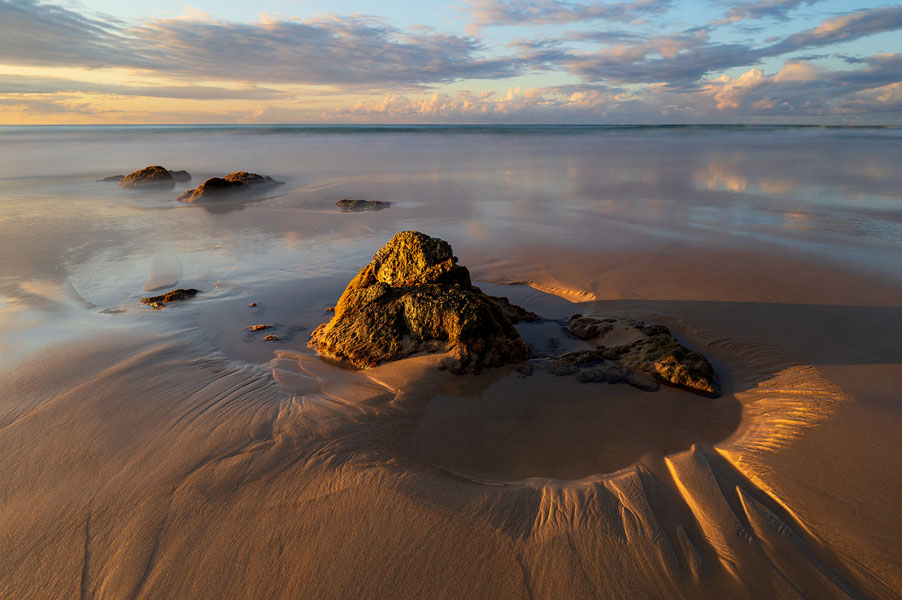
Combine tide timing with wind, waves, rain, cloud, and sunrise or sunset windows.
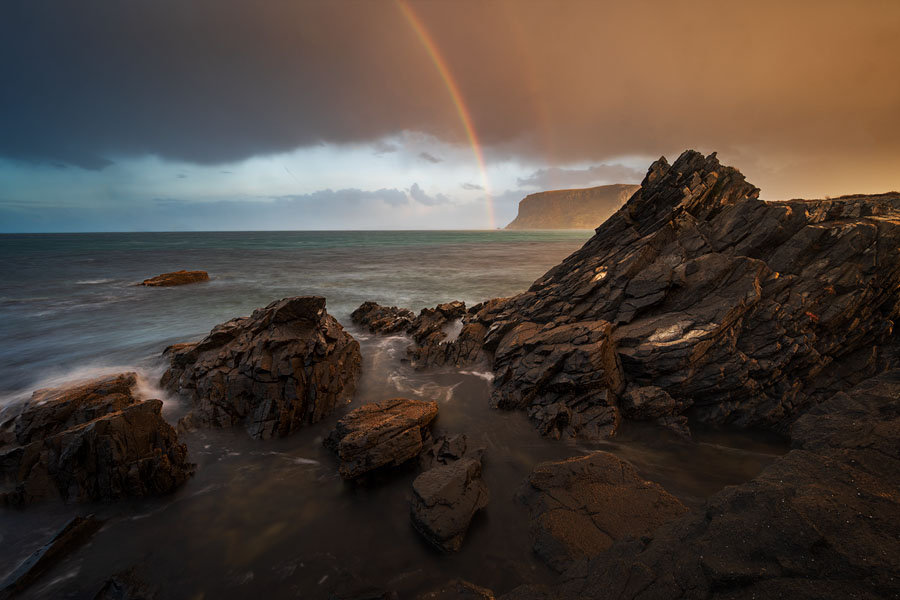
Look for rain easing near useful light, with context for cloud that may still matter.
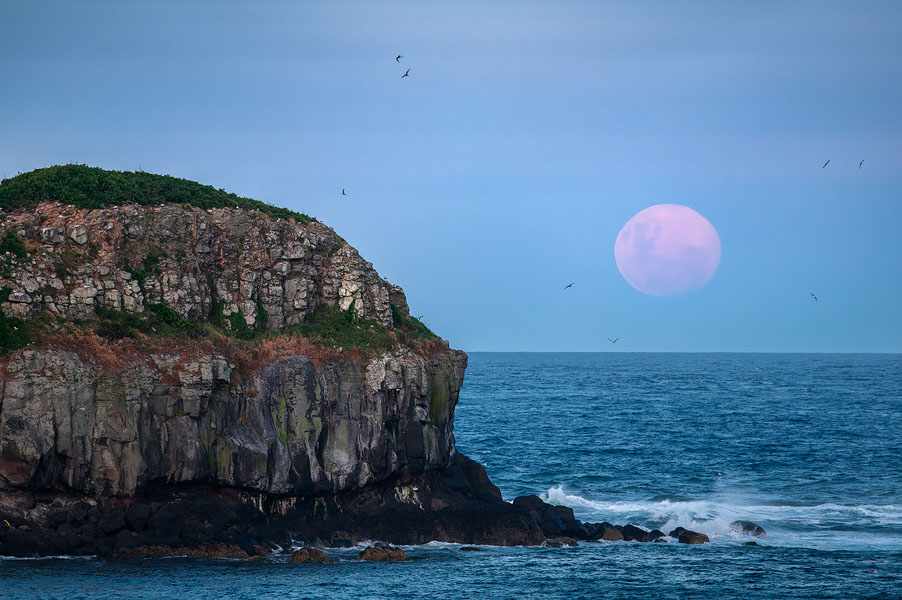
Track moonrise and moonset timing alongside the light windows you care about.
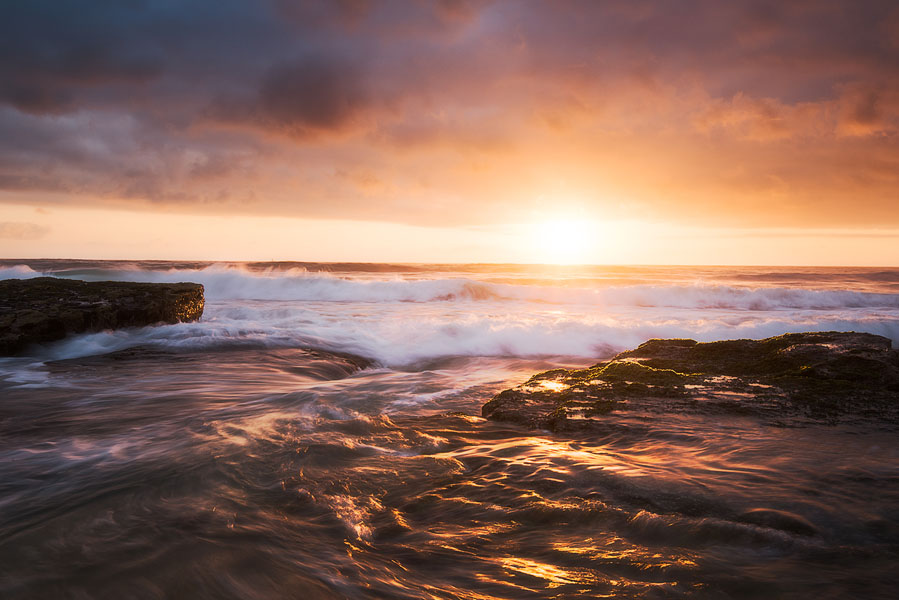
Watch sunrise or sunset windows where the forecast suggests the horizon toward the sun is open.
Save your locations, define what you care about, and let PhotoSignal watch the windows.
PhotoSignal is currently free to use under the current limits.